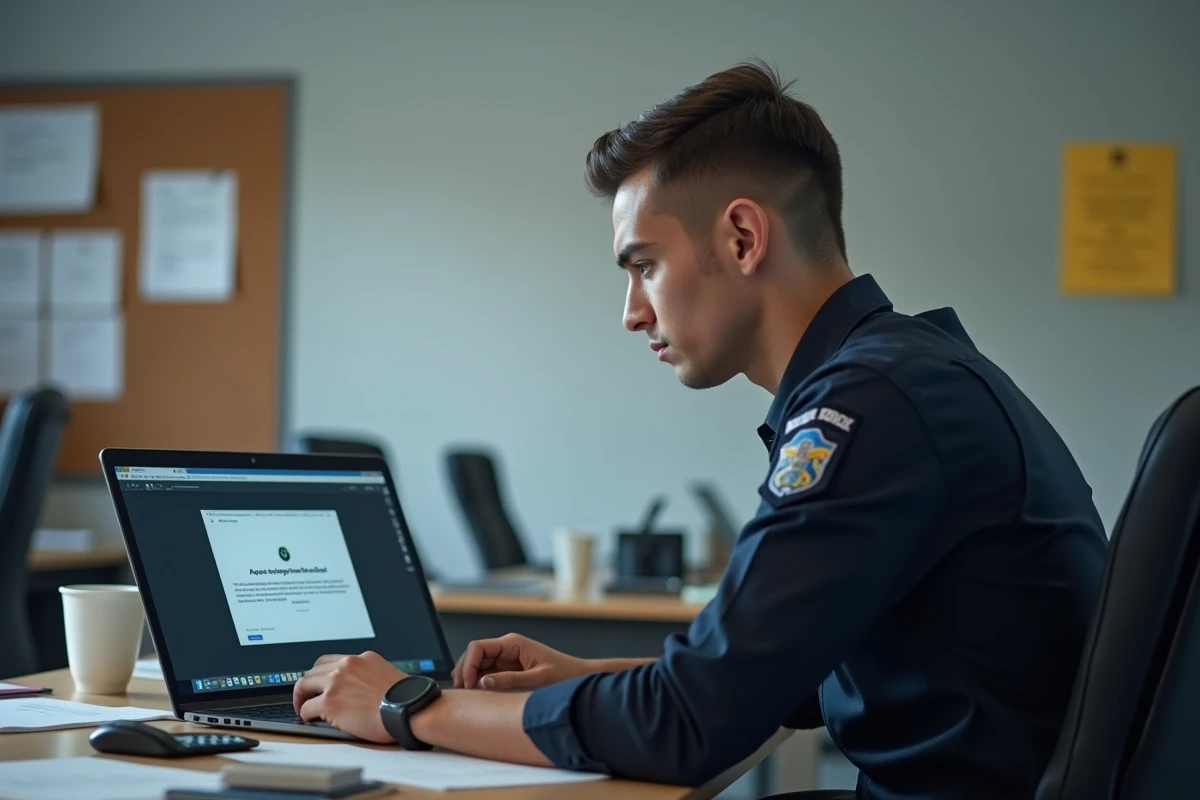
A “access denied” message on eCampus Police almost never points to a password issue. The e-campus platform of the Ministry of the Interior relies on SSO authentication linked to the professional directory, and the blockage often occurs upstream, where the user has no direct control. We detail here the actual breaking points and the steps to follow for each scenario.
HRIS Synchronization and Directory: the Invisible Lock of eCampus Police
The first reflex when faced with an access denial is to reset the password. This is rarely the right approach. Access to eCampus depends on the activation of the HR file in the ministry’s HRIS, not merely on the existence of a username/password pair.
In practice, an account can be provisioned by the school or training service, with valid credentials provided to the agent, without the file being actually “opened” on the ministry’s directory side. As long as this synchronization is not effective, the platform rejects the connection without an explicit error message.
We observe that this discrepancy particularly affects trainee guardians and security assistants at the beginning of the session. Official communication suggests that access is available as soon as the credentials are transmitted, while the actual delay varies significantly depending on the school and the cohort. Some agents receive functional access several days after their arrival at the school.
The effective action is to contact the school administration or the digital referent to verify the exact date when the batch of accounts for the cohort was created and activated in the directory. Multiplying password resets at this stage is counterproductive: the issue lies not with the credential, but with the account provisioning.
Before seeking support, it is useful to follow the steps for connecting to eCampus Police to check that the blockage does not originate from another link in the chain.
Portal and Browser Error: Technical Diagnosis Before Any Escalation
The authentication portal of eCampus Police goes through CALYPSSO, the SSO of the Ministry of the Interior. Two technical errors frequently occur, and neither generates a clear message for the user.
Wrong Entry Point
The direct URL of the platform is e-campus.interieur.gouv.fr. Any attempt to connect via a third-party link, an outdated bookmark, or a search engine that redirects to an old login page may trigger a denial. The official page explicitly states that accounts must use an email address in @interieur.gouv.fr to be redirected to the correct CALYPSSO portal.
Browser Cache and Session
An expired session cookie or a corrupted cache prevents the SSO redirection from executing correctly. We recommend systematically testing in private browsing mode before opening a ticket. If the connection works in private browsing, the issue lies with the usual browser: clear the cache, delete cookies related to the domain interieur.gouv.fr, and then try again.
- Ensure that the URL starts with e-campus.interieur.gouv.fr and not with an unofficial variant
- Test the connection in a different browser or in private browsing mode to isolate a cache issue
- Ensure that the browser accepts redirects and third-party cookies, which are necessary for CALYPSSO to function
Post-Incident Security Block: When the SSI Chain Locks the Account
An eCampus account can be blocked for security reasons without any user error. After a cybersecurity incident affecting the ministry’s systems, the SSI (Information Systems Security) chain may proactively disable batches of accounts, particularly those whose credentials are suspected of compromise.
In this case, the standard password reset procedure is not sufficient. Resolution goes through the SSI chain, not through standard user support. The agent must contact their local IT security correspondent or, if unavailable, the CNAU (National User Support Center) mentioned on the official login page.
The risk of credential reuse is taken seriously by the ministry. If an agent uses the same password on eCampus and on a compromised personal service, preventive locking may occur without prior notification. Systematically changing passwords after any reported incident remains the best prevention.
Contacts and Escalation Based on Agent Profile
Not all agents have the same contact person in case of access denial on eCampus Police. The escalation circuit depends on the status and administrative affiliation.
- Trauma guardians and security assistants in initial training: prioritize contacting the school administration or the digital referent, who can verify the account status in the cohort batch
- Agents in post assigned to an active service: contact the training manager of the service or the local IT correspondent, who has access to the administration console of the directory
- Persistent problem after local intervention: escalate to the CNAU, specifying the exact error message, the browser used, and the date of the last functional access
- Suspicion of compromise or SSI block: turn to the SSI correspondent of the service, who is the only one authorized to lift a security lock
Providing as many technical details in the request (screenshot of the message, timestamp, workstation used) reduces processing time. A generic request like “I can’t connect” forces support to go through the entire chain, which extends resolution by several days.
The key point to remember: an access denial on eCampus Police is resolved faster by identifying the exact link of the blockage than by multiplying connection attempts. Account provisioning, authentication portal, browser, SSI lock, each of these levels has its own resolution circuit and its own contact person.